Assignment 01 - Extract UI Items
Jekyll - 3D Box
User Interface Discussion
Discuss Why You Like The UI Item
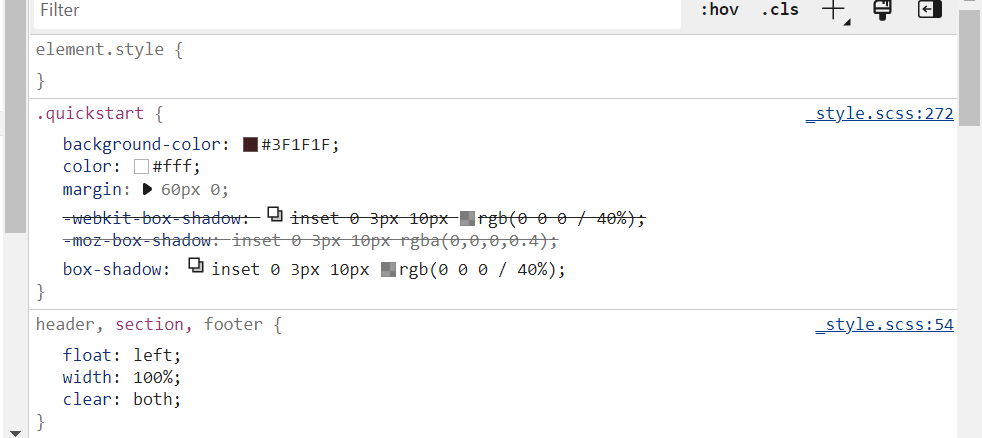
I like the UI item because it looks layered and seems to have a 3d effect.A CSS was used to get that effect.
Discuss The Techniques Used To Create The UI Item
Background colors and box shadows were used.
Jekyll - Arrow
User Interface Discussion
Discuss Why You Like The UI Item
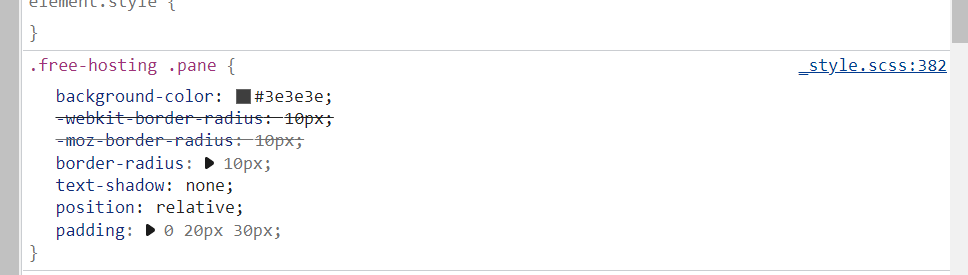
I liked the UI item because it added visual interest to the page. It used an image and CSS to get this effect.
Discuss The Techniques Used To Create The UI Item
They used a class in the CSS to control the positioning of the imported image. A box model was used to blend the background color of the image with the rest of the page.
Jekyll - Release
User Interface Discussion
Discuss Why You Like The UI Item
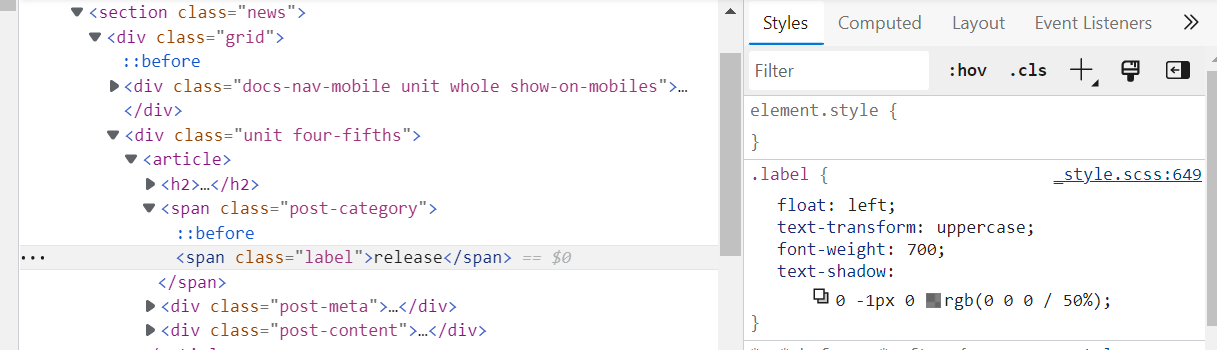
I liked the UI item because it took the word “release” and placed it within a 3d banner. CSS was used to create this effect.
Discuss The Techniques Used To Create The UI Item
They used “span” and “class” labels to achieve this effect. They used text-transform to change the font to uppercase and added a text-shadow to give the text a 3d look.
Jekyll - Logo
User Interface Discussion
Discuss Why You Like The UI Item
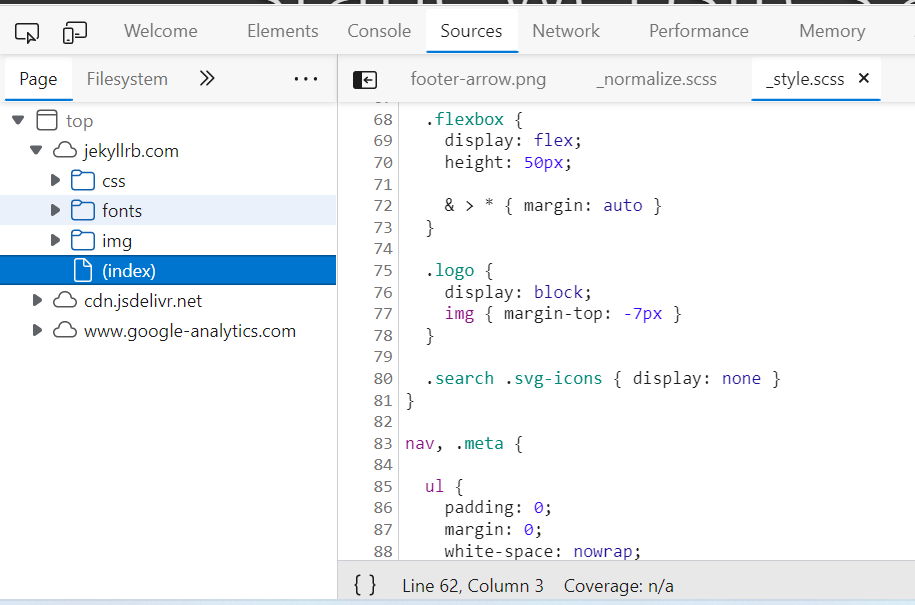
I liked The UI item because I thought the image for the logo was creative. CSS and image were both used to create this effect.
Discuss The Techniques Used To Create The UI Item
They used a flex-box height of 50px , link, saved image file, and a top margin to control the position of the logo.